SUBSCRIPTION DETECTION TOOL
Every subscription hiding in your card statement — with what it costs you per year.
Export a bank or card statement as CSV. Drop it here. Recurfind groups charges by merchant, detects intervals, calculates yearly costs, and surfaces any price increases first. Everything runs in your browser — nothing is uploaded.
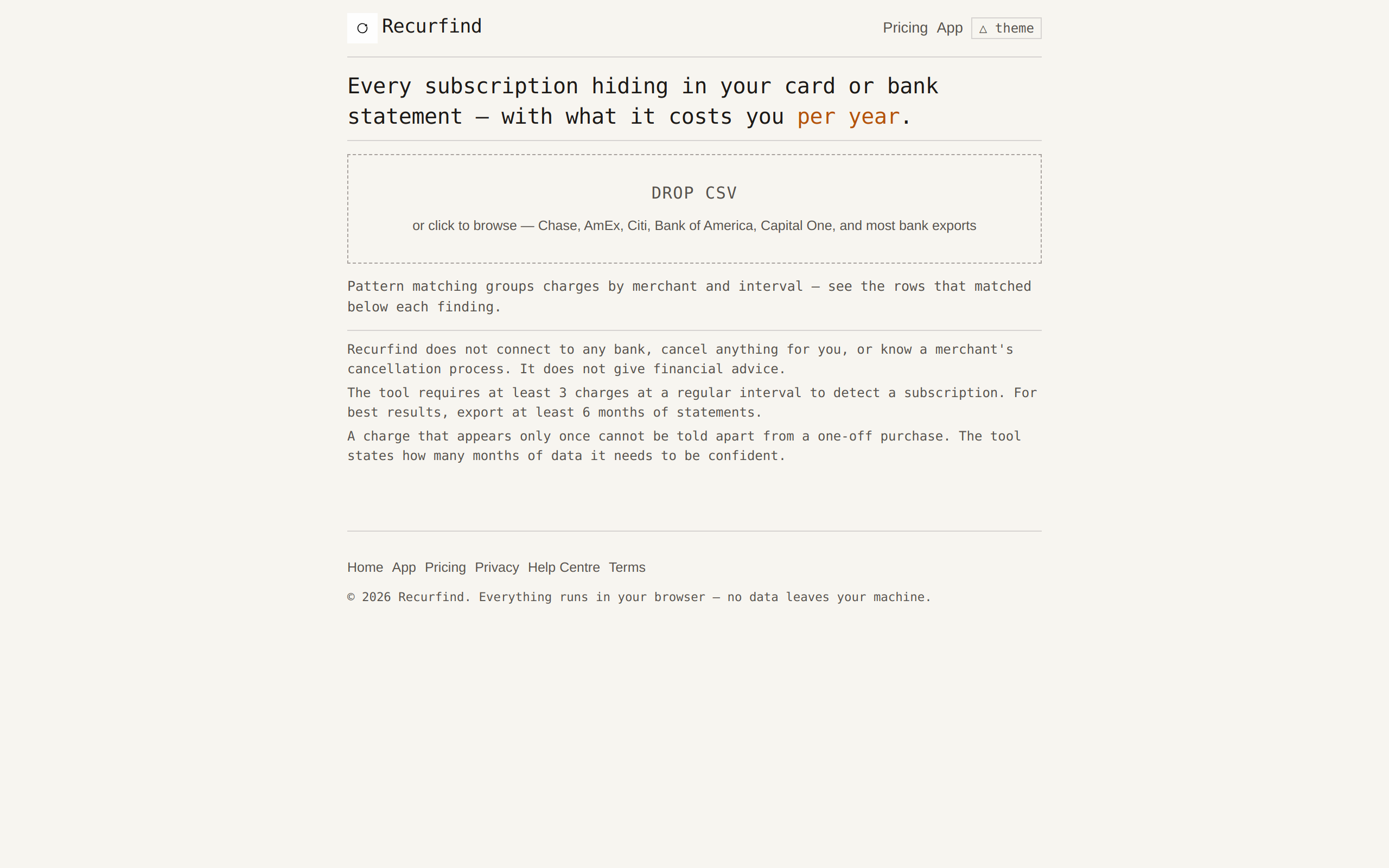
CSV data enters the tool → parsed, grouped by merchant, intervals detected → results with yearly costs and price-change flags
01 / WHAT IT FINDS
Charges that repeat are subscriptions you are paying for — even the ones you forgot about.
Any merchant that charges you at a regular interval — weekly, monthly, quarterly, yearly — is detected and listed with the interval, the per-charge amount, and the annualised cost. A charge that appears only once in your statement stays invisible, because it cannot be told apart from a one-off purchase. The tool says how many months of data it needs to be confident.
The finding that matters most comes first: charges whose amount changed during the statement period. A price increase that happened months ago without anyone noticing is surfaced at the top of the list, because that is the one people miss.
02 / HOW IT WORKS
Export a statement, drop it here, review the list, take it with you.
Every major bank and card issuer lets you export your transactions as a CSV file. Chase, AmEx, Citi, Bank of America, Wells Fargo, Capital One — if it has a download button, the format is supported. The file is read by your browser, not by a server.
- Export your statement as CSV from your bank's website. Even one month finds something; six months catches the quarterly subscriptions.
- Drop it on the app page or click to browse. The file stays on your device — it is never uploaded anywhere.
- Review the detected subscriptions. Each one shows the exact transaction rows it was inferred from, so nothing is a black box. If two charges were grouped wrongly, you can see why.
- Mark each subscription as keep or cancel, then download the ranked list as a CSV to open in your spreadsheet or budgeting tool.
03 / WHAT YOU GET
Every detected subscription shows: merchant, interval, per-charge amount, yearly cost, next expected charge date, and the exact rows it was inferred from.
Each subscription appears in a card with the merchant name, the detected interval, the per-charge amount, the annualised cost, and when the next charge is expected. A confidence indicator (high, medium, low) tells you how many instances the tool found.
Subscriptions with a price increase are shown first, with an amber badge. Subscriptions whose price decreased get a green badge. Stable subscriptions with many charges get a neutral badge.
Every card has an expandable section showing the source rows — the raw dates and amounts from the original CSV that the inference was built on. You can verify each grouping yourself. If two charges from the same merchant look like different products, you can split them.
04 / WHAT IT COSTS
Free. No feature gates. No account. No paid tier. No data ever leaves your machine.
The full tool — CSV parsing, merchant grouping, interval detection, price-change analysis, source-row transparency, CSV download — is free. There is no trial period, no premium feature unlock, no usage limit, and no paid tier. You do not need to create an account, enter an email address, or sign anything. This tool works entirely in your browser and needs no server at all — there is nothing to charge for.
05 / LIMITS
What this tool does not do — stated plainly so you know what it is for.
- Does not connect to any bank. Recurfind has no access to your financial accounts. You must export the CSV yourself through your bank's existing download feature.
- Does not cancel anything. The tool cannot cancel a subscription, contact a merchant, or block a charge. It gives you a ranked list to act on yourself.
- Does not know a merchant's cancellation process. Each merchant has its own cancellation flow. Recurfind cannot tell you how to cancel a specific subscription.
- Does not guarantee completeness. A charge that appears only once in your statement cannot be distinguished from a one-off purchase. The tool needs at least three charges at a regular interval to detect a subscription. For best results, export six months of data or more.
- Does not give financial advice. Whether you should keep or cancel a subscription is your decision. Recurfind presents the data; it does not recommend what to do.
- Does not handle every CSV format. The auto-detection covers common bank and card issuer export formats. If your bank uses unusual column names, the tool tells you which headers it found and asks you to map them.
- Does not store or share data. No data leaves your browser session. There are no servers, no databases, no analytics, no tracking.
06 / PRIVACY
Your file never leaves this page. That is the point, not a feature.
Recurfind's core design decision — the thing that makes it different from every fintech marketing page that asks for your bank login — is that it does not need to touch your data. The CSV file is read by your browser through a standard file input, processed in JavaScript memory, and discarded when you close the tab. No upload occurs. No server-side code ever sees a single row of your statement.
This is not claimed as a privacy mode or an optional toggle. It is the only way the tool works. There is no backend to upload to, no database to store in, and no account system to associate data with. The source code is plain JavaScript delivered as a static file — any developer can verify that no data is exfiltrated.
07 / THE HONEST ANSWER
This tool might not be for you if you want something that runs automatically or connects to your bank.
Recurfind is a manual diagnostic tool, not a recurring service. You export a CSV, you drop it on the page, you read the results, you take the CSV away with you, and you close the tab. If you want something that monitors your accounts continuously or cancels subscriptions for you, this is not that product.
It is also not the right tool if you have only one or two charges on a card and want to be sure nothing was missed. The tool needs a meaningful number of transactions — at least three occurrences of the same merchant at the same interval — before it reports a subscription. A card used for occasional purchases will not produce useful results.
If you have a CSV from any major bank and you want to see, in one place, what is costing you money every month and whether those costs have changed, this tool will give you that answer in ten seconds, without asking for your email address or a credit card.
TRY IT
DROP YOUR STATEMENT →No upload. No account. No cost. Your file stays on your device.